Summary

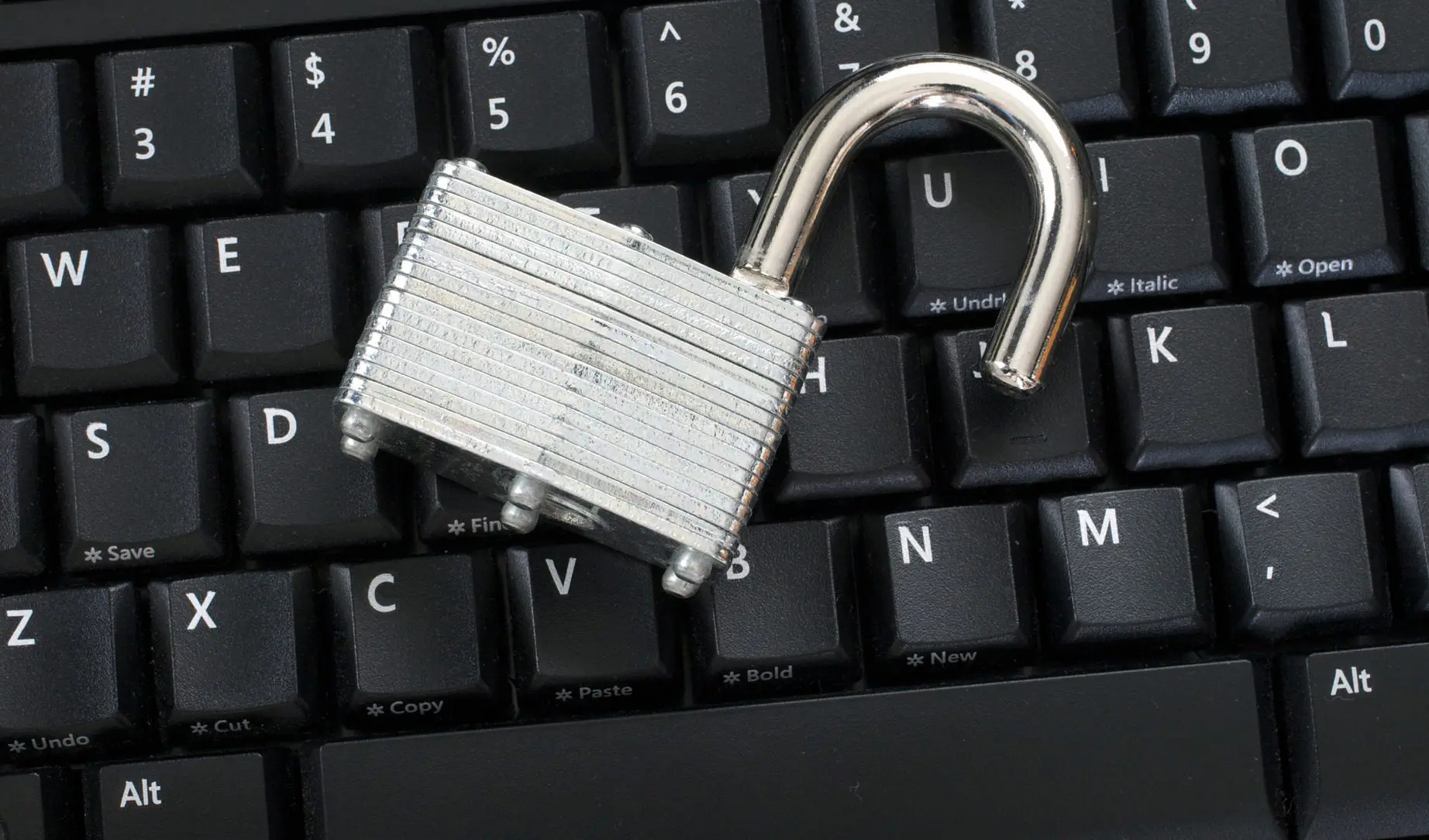
Outdated IT systems are a leading cause of electronic health record (EHR) security breaches. Security breaches are both risky and expensive. A proactive plan is the name of the game today to thwart potential IT threats on legacy systems. What can your IT team do to protect out-of-production EHRs or other systems storing protected health information?

Join Fellow Healthcare IT Pros

Tips, Guides, News & More

Sign Me Up
Security Breach

Outdated IT systems are a leading cause of electronic health record (EHR) security breaches, reported the FBI at a recent HIMSS Connected Health Conference (source: FierceHealthIT). While the agency works with the Department of Health and Human Services on hacks and breaches, the bottom line remains … “no matter how hard the FBI works, the damage is done.”

Security breaches are expensive. The two largest recent security breaches with Community Health System and Anthem cost upwards of $100 million. Legally, breached entities face potential class-action lawsuits and multiyear compliance plans. Additionally, consumer trust, the bedrock for provider and payer relationships with patients, evaporates (source: FierceHealthIT)

A proactive plan is the name of the game today to thwart potential IT threats on legacy systems. What can your IT team do to protect out-of-production EHRs or other systems storing protected health information?

  • Audit your complete inventory of EHR systems – Enterprise-wide at a health system, there can be upwards of 30-40 disparate systems with varying degrees of IT integrity within the organization. First, you need to know what you have, so you can protect it.
  • Conduct a deeper discovery and build a plan – Once you know exactly the legacy systems and types of files you have, determine the scope of work that makes the most sense for your organization to consolidate and secure the data and decommission the application. Consult with trusted industry-specific data migration and storage experts if you don’t have resources at-hand to comprehensively inventory your IT portfolio and create a go-forward plan with timing and budget based off that inventory.
  • Migrate and archive – If you plan to replace an EHR, your action plan will likely include migrating some data into your go-forward system. However, it is usually feasible to only migrate the last two years of key clinical information into a new EHR. The remaining data can have a safe and secure legacy EMR storage home in a HIPAA-compliant archive.  A scalable archive will then allow for other disparate data sources to be added.

Beyond IT security and reputation management, there can be significant cost benefits to migrating and archiving legacy data.  When you look at the real cost of maintaining multiple out-of-production systems, including licensing, vendor support and internal labor support, stringing along several outdated systems becomes difficult to justify. Plus, the risk exists that the old systems may become obsolete and non-supported. Keeping the organization’s long term vision in mind, there can be business value and strategic benefits to adopting an archive to keep legacy data intact in a searchable and manageable format. You can usually count on complete ROI within 18-24 months of implementing an archive.

Don’t wait for a legacy EHR security breach to force your hand to take action on your legacy EHRs, home health systems, lab systems – the list goes on. Migrating and archiving data protected health information into a secure archive is a cost-effective, smart move that will give you peace of mind. Better yet, you’ll avoid those dreaded midnight calls that nobody in our world likes to receive.

Contact Harmony Healthcare IT if you need a legacy EHR archiving partner to secure your patient data.

Healthcare IT tips, guides, news & more delivered to your inbox

Learn More

Summary

Migrating data from McKesson Horizon to any new go-forward system can be costly and complex. An alternative to migrating data and images from one system to another is to archive legacy patient records, migrating only demographics and recent, key clinical data points. That makes legacy data easily accessible to clinicians, HIM resources and other staff members who'll need to access it. It also keeps the go-forward system "clean."

Join Fellow Healthcare IT Pros

Tips, Guides, News & More

Sign Me Up
Strategy On Road

As reported on HIStalk, it’s been about four years since McKesson announced it would increase investment, research and development to make Paragon its centerpiece hospital IT system.  Since then, McKesson has faced an uphill battle in its attempts to convert Horizon customers to Paragon.  While some Horizon customers have made the McKesson HPF to Paragon conversion, others have been evaluating their options to replace McKesson entirely.

McKesson HPF Data Archive as a part of a Migration Strategy

Migrating data from McKesson Horizon to any new go-forward system can be costly and complex.  An alternative to migrating data and images from one system to another is to archive all legacy patient records, migrating only demographics and recent, key clinicals to the go-forward system.  Discrete data element archives of today are far superior to their .pdf predecessors and offer searchable data fields for streamlined eDiscovery and response to request for information for years to come.   That makes legacy data easily accessible to clinicians, HIM resources and other staff members who’ll need to access it.  It also keeps the go-forward system “clean.”

The timing may be right to archive Horizon and other outdated electronic health record (EHR) systems to systematically save time, effort and cost down the road. One of the best reasons to archive is that it is vendor neutral, so, multiple EHR’s can be housed together for the long haul. Having a well-built archive eliminates the cost of keeping ongoing maintenance contracts with multiple vendors of disparate outdated systems.

If you’re a McKesson HPF shop that hasn’t yet made a move, there are a lot of considerations at play to determine which go-forward system makes the most sense for your organization. Regardless of the direction you take, archival of the historical records that won’t or can’t migrate is a sure-fire way to comply with state and federal retention mandates, reduce maintenance costs and mitigate long-term technical risks associated with leaving the application up and running in read-only mode.

To hold a discussion about the details of a McKesson HPF data archive, browse our websitelearn about how efficiently we archive McKesson HPF and contact us.

Healthcare IT tips, guides, news & more delivered to your inbox

Learn More

Summary

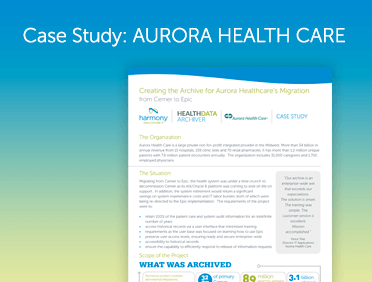
When Aurora Health Care in Wisconsin made a shift in its EHR system from Cerner to Epic, they faced 32 terabytes of legacy records, 75 terabytes of images, 34 million scanned documents and other important items that needed a long-term, secure and accessible home. Aurora turned to the archiving experts at Harmony Healthcare IT to develop and implement one of the largest archives of its kind in the country.

Join Fellow Healthcare IT Pros

Tips, Guides, News & More

Sign Me Up
Aurora Health Care Case Study

To tackle this extremely large data set, Aurora turned to the archiving experts at Harmony Healthcare IT to develop and implement one of the largest archives of its kind in the country in completing the Cerner to Epic EMR migration.

“We needed a comprehensive solution to address a change in our go-forward EHR system, mountains of legacy data and thousands of concurrent users, with no room for downtime or errors,” said Vince Trier, Director, IT Applications at Aurora Health Care, which operates 15 hospitals, 159 clinic sites and 70 retail pharmacies. “Our archive is an enterprise-wide win that exceeded our expectations. It takes only minutes to learn how to use it and it will provide accessible and secure data storage forever. Best yet, there is significant ROI.”

Managing legacy data is a hot topic for healthcare IT teams as every 18 months, the amount of data in most healthcare systems is multiplying by 100%. Healthcare organizations of all sizes are challenged with how to securely manage and provide access to historical patient data when the complexity of converting it into a new EHR is cost prohibitive.

For the Aurora archive, the Harmony Healthcare IT team analyzed the record retention policy, gathered cross-departmental system requirements and put the right resources in place to comprehensively archive all of the legacy data. The project was completed on time and on budget within 12 months from signature. There were 6,358 active users at the time of transition to the archive. Today, there are about 2,000 named users, 650 of which login concurrently each day.

To learn more about how we can help with your healthcare organization’s Cerner to Epic EMR migration, contact us.

Cerner Millennium is a registered trademark of Cerner Corporation.

Healthcare IT tips, guides, news & more delivered to your inbox

Learn More